
Scrolling capture
Take scrolling screenshots in Chrome
A scrolling (or “long”) screenshot captures everything you’d see by scrolling down a page — in one image. Here’s how to take one in Chrome, how DownloadFullPage handles difficult pages, and what to do if something looks wrong.
Launch statusBeing prepared for the Chrome Web Store. The install button will link to the store as soon as the listing is approved.
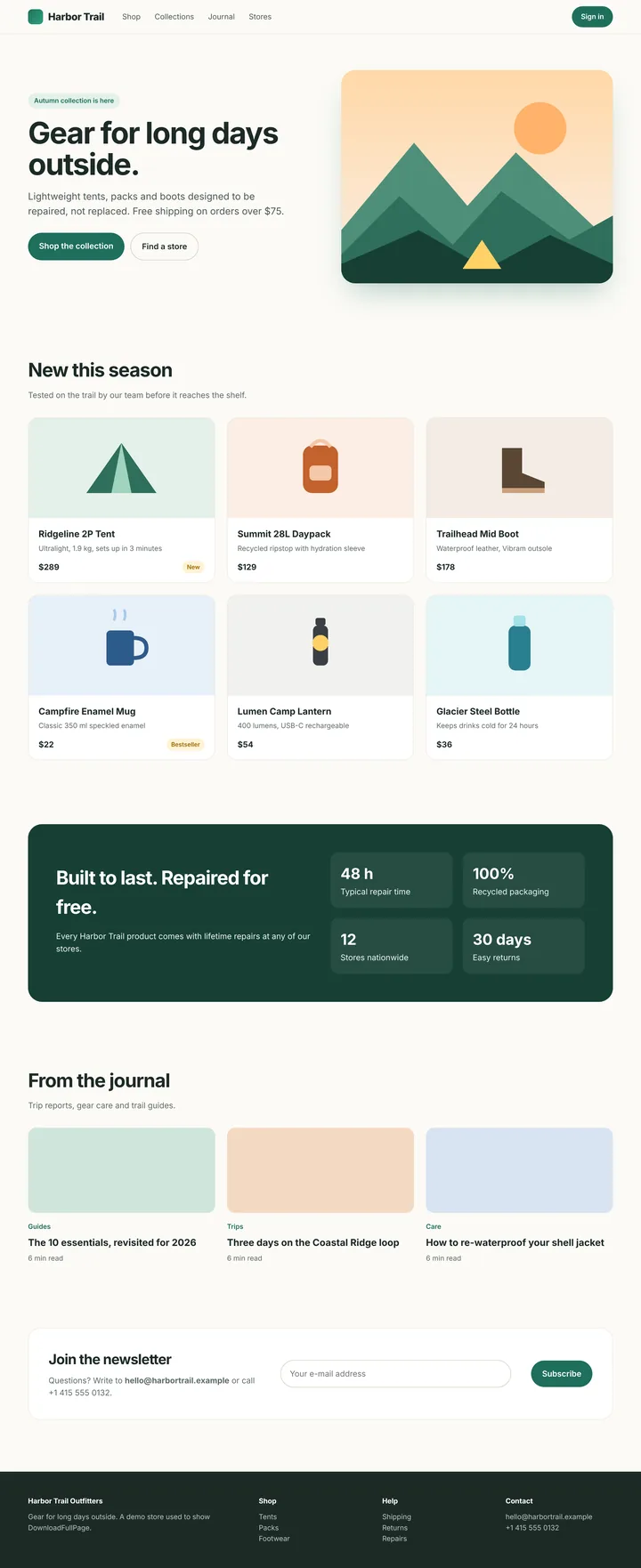
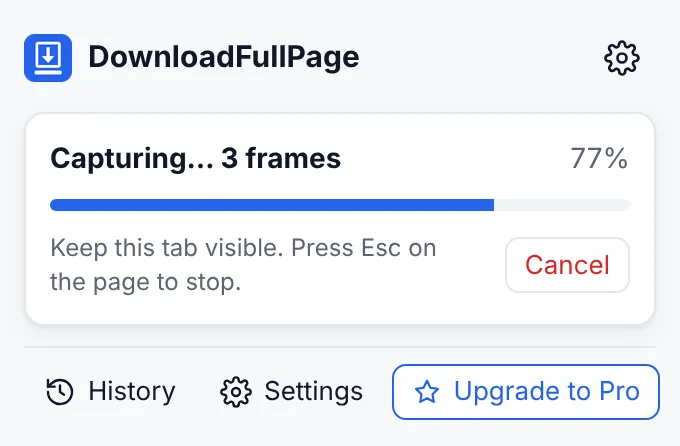
Left: one stitched image of a whole page. Right: progress while the page scrolls.
How DownloadFullPage handles tricky pages
| Problem on many sites | What DownloadFullPage does |
|---|---|
| Header repeats on every screen | Shows fixed headers once at the top, then hides them for later screens |
| Sticky menus appear several times | Shows sticky elements once, in their normal place |
| Cookie banner in the middle of the image | Hides bars pinned to the bottom of the screen |
| Blank spaces where images should be | Scrolls through first to trigger lazy loading, then waits for visible images |
| Only the top part is captured (web apps) | Detects the inner scrolling panel and captures it in full |
| Page keeps growing (infinite feed) | Follows new content up to a maximum height you control, then stops |
| Extremely long page | Splits the image into parts so nothing is cut off |
Tips for a perfect scrolling screenshot
- Let the page finish loading and close pop-ups before you start.
- Keep the tab in front until the progress reaches 100%. Switching tabs stops the capture.
- For one section of a page, use element capture instead — it’s faster and crops for you.
- If a page uses animations that change while scrolling, try again after they’ve finished, or turn off “Load lazy images first” in Settings for pages that react badly to fast scrolling.
- For feeds, set Settings › Maximum page height to the length you need.
Scrolling screenshots on Windows and Mac
Operating-system tools such as the Windows Snipping Tool and macOS Screenshot capture what’s on screen; they don’t scroll a Chrome page for you. A Chrome extension can scroll the page itself, which is why it can produce a single, full-length image.
Questions
How do I screenshot a scrolling webpage?
Use a full page (scrolling) screenshot. DownloadFullPage scrolls through the page section by section, captures each part and joins them into one image without repeating fixed headers. Keep the tab visible until the capture finishes. More: scrolling screenshots.
How can I capture a long webpage as one image?
Use Capture Full Page. Pages up to about 16,000 pixels tall (after accounting for screen resolution) are saved as a single image; taller pages are saved in several parts automatically to stay within browser image limits. PDF export combines all parts into one document.
Why can’t I capture some pages?
Chrome does not allow extensions to capture its own pages (chrome:// pages, the New Tab page), the Chrome Web Store, or other extensions’ pages. On those pages the capture buttons are disabled and DownloadFullPage explains why.
Start capturing full webpages for free
Full page, visible area, region and element screenshots — with an editor and PNG, JPG and PDF downloads. No account needed.
Being prepared for the Chrome Web Store.